Now in private beta
Your camera roll is full of memories. Otohpia turns them into albums.
Otohpia uses AI to curate thousands of family photos into meaningful albums: the moments, the stories, the memories worth keeping.
Free during beta No card needed Start with Google Photos


The problem isn’t storage
You did not stop taking photos. You stopped looking at them.
Your memories aren’t lost. They’re buried. Thousands of photos in a drive nobody opens is not a family archive. It’s a very organized way to forget. You’re not lazy. Choosing 200 photos out of four thousand is genuinely hard work, and it is the reason the album never gets made. This is the album you always meant to make.
The fix
From photo graveyard to family keepsake.
Your photo storage this year
- 4,382 photos
- 1,127 screenshots
- 43 versions of the birthday cake
- 17 blurry attempts
- hundreds of forgotten moments
You took the photos. You just never had time to make something of them.
Your Otohpia library
One family life. Meaningfully kept.
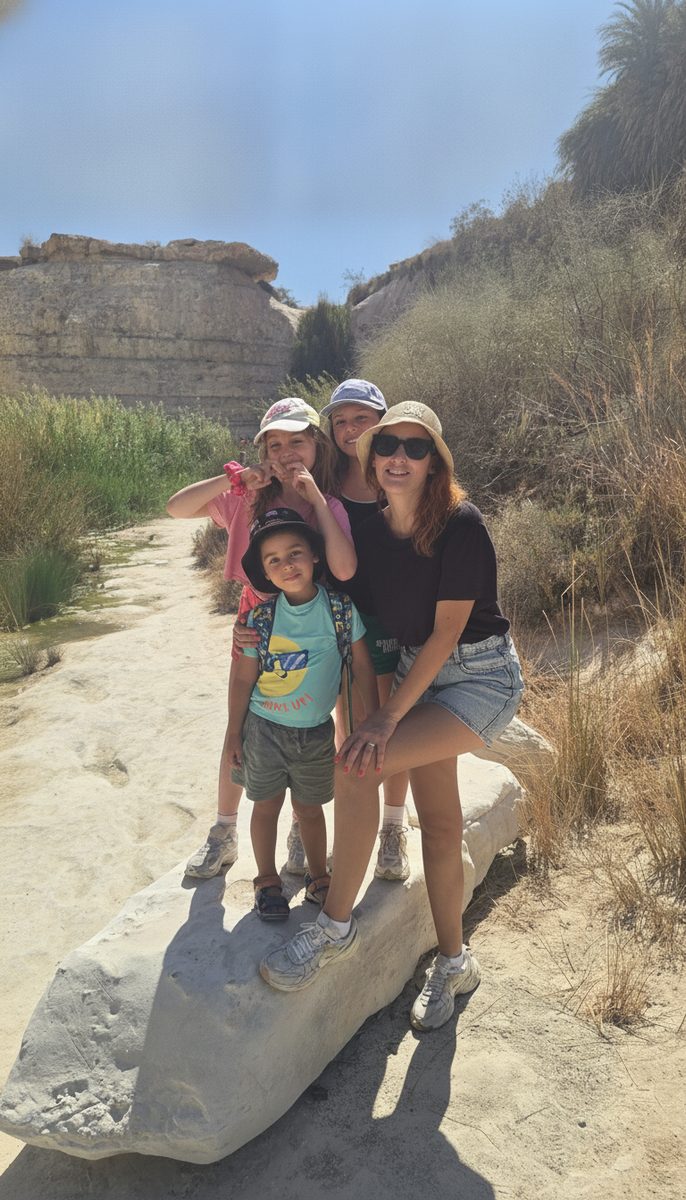
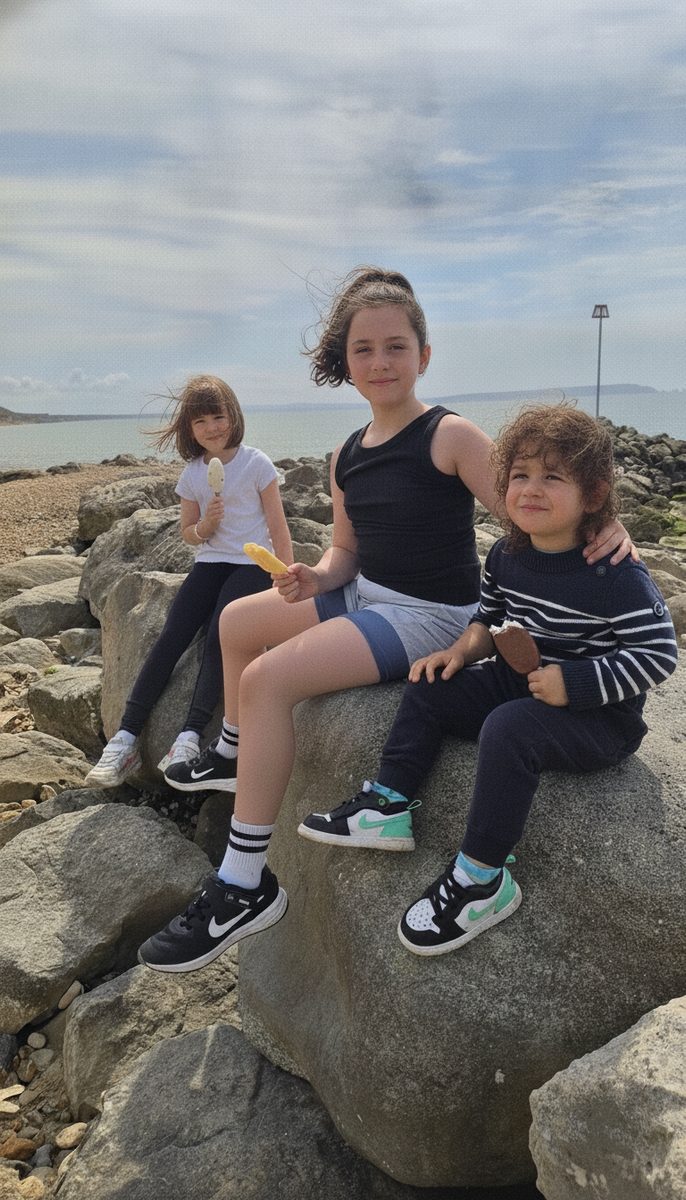
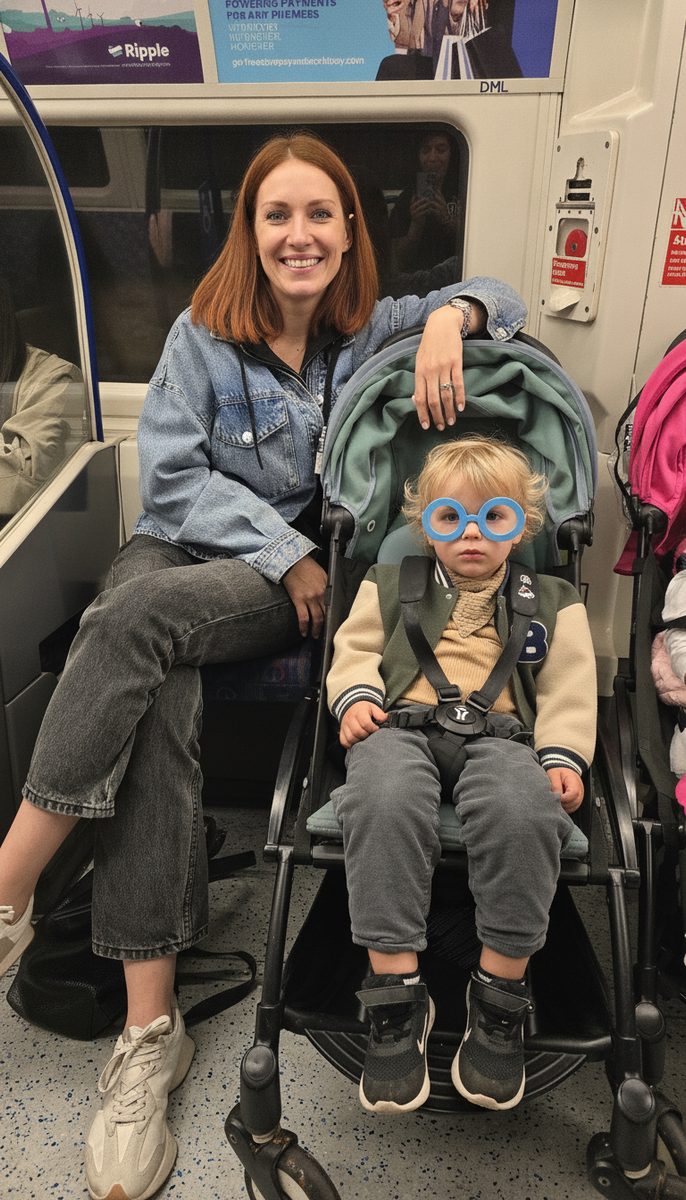
For the moments worth keeping
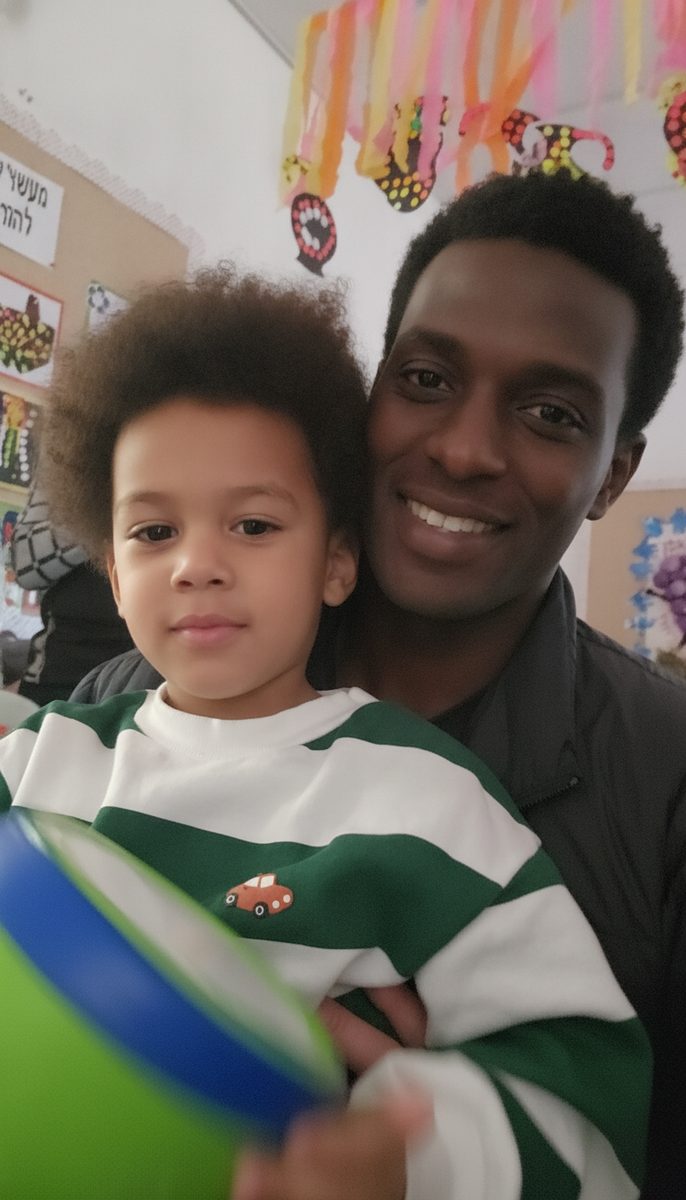
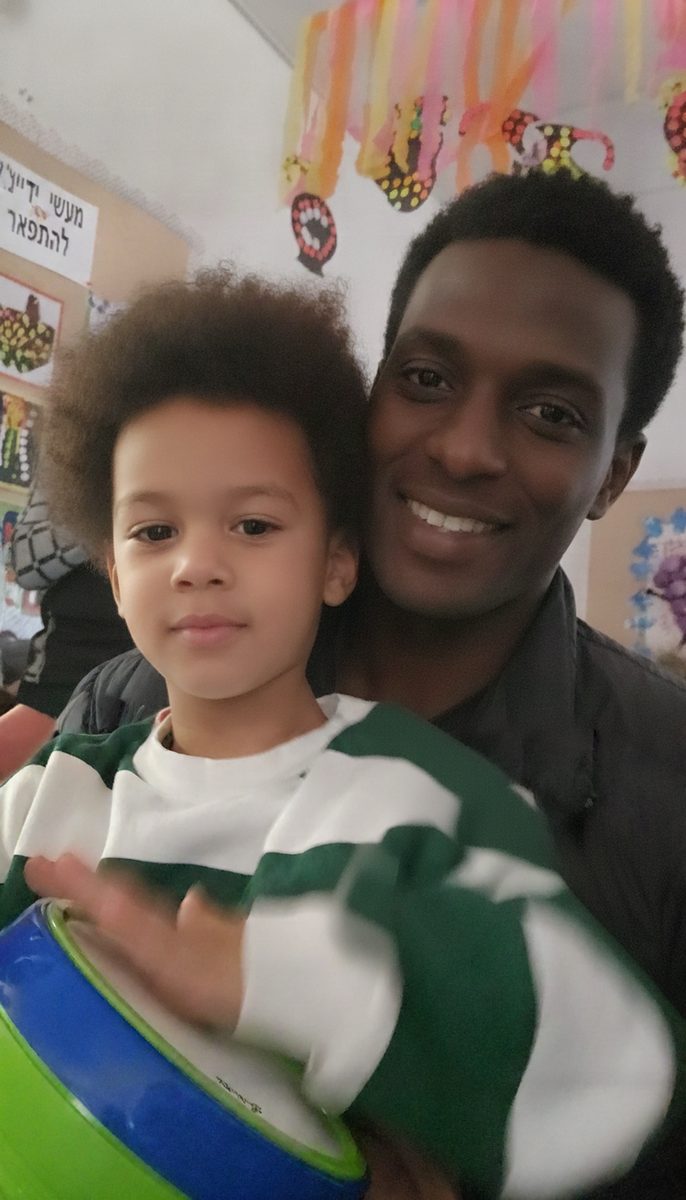
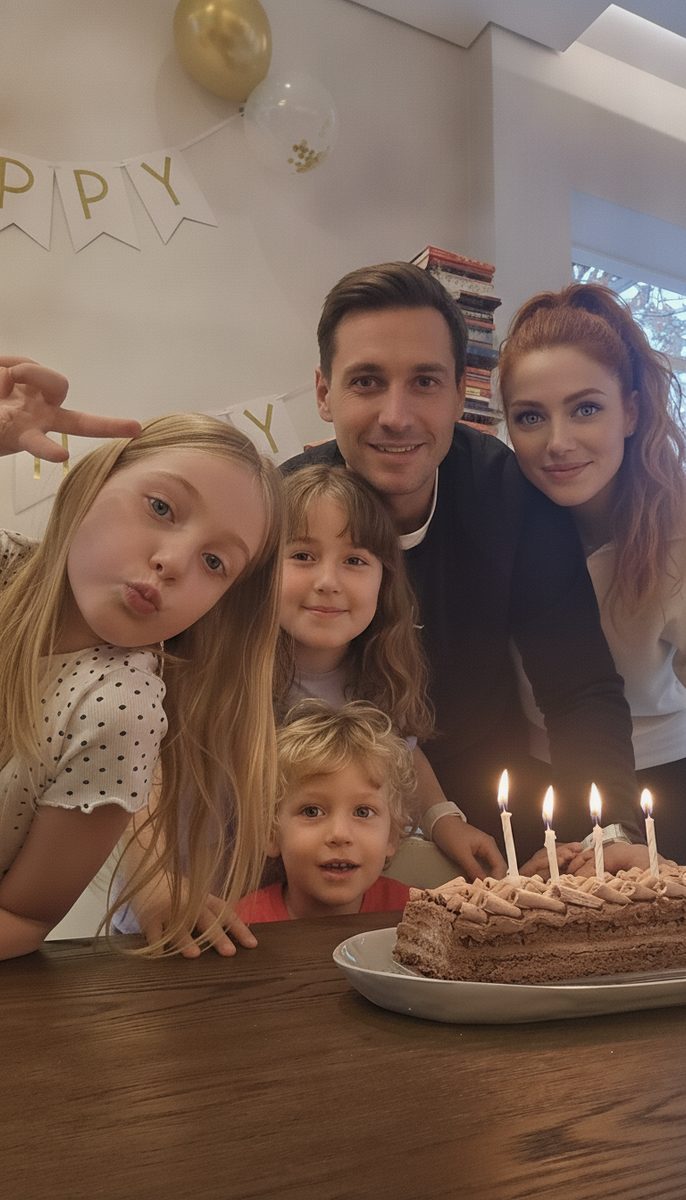



How it works
Every book starts with you.
Let Otohpia sort your photo library into the albums that are already in it. The trip, the birthday, the whole year. Every one gets a spot on your family’s shelf.
Your rules
Tell us what matters to your family and the moments you never want to lose. Quick, tappable questions, a few minutes.
Your photos
You never sort a thing. We write the search, Google’s picker serves up just those photos, and one grab hands them over. Everything after that is us: photo culling, what stays, what goes, arranging the story.
The story
Your moments become chapters, with stories and captions only where they add something. Your words, kept better than you left them.
The book is yours
Read it, share it, download it, keep it in your family’s library. Print-ready export is on the way.
Your Shelf
A library of your family's life.
Not a folder of files. A collection of memories your family actually revisits. Open the newest album and read it; it’s a real one, made for our demo family.
- Editable
- Downloadable
- Shareable
Works with Google Photos
Google Photos is where your photos live. Otohpia is where they become memories.
Already using Google Photos? You’re halfway there. Google Photos is great at storing your family’s photos. Otohpia helps you find the ones that belong in the album you’re making, then takes it from there: deciding what’s worth remembering, and turning it into an album your family will actually open. Your photos stay right where they are.
We help you find them
Tell us what the album is about, and Otohpia hands you the exact search to run in Google’s own picker, by dates or people, so you pull in just the photos that belong in this album.
The strategy is ours
What to keep, what to cut, what the story is: Otohpia sorts, curates and writes, guided by what you told us matters.
The album, done
Curated, written, ready to share. And your Google Photos library stays exactly as it was.
| Capability | Your photo app | Otohpia |
|---|---|---|
| Stores your whole camera roll | Yes | That stays your photo app’s job |
| Finds photos | Yes | Yes |
| Removes clutter | Sometimes | Yes |
| Learns what matters to your family | Limited | Yes |
| Curates meaningful moments | Limited | Yes |
| Writes the story | No | Yes |
| A finished family album | No | Yes |
| A library your family actually revisits | No | Yes |
Why Otohpia
Otohpia doesn't just find photos. It figures out what matters.
Your family is not the same as everyone else’s. Otohpia learns what matters to you, the people, the milestones, the stories you want to remember, and curates your photos with that context.
Your context
“Focus on the kids.” “Keep the family holidays.” “I care more about funny moments than perfect photos.”
The judgement
Thousands of photos become a smaller collection of meaningful moments, chosen with your context, not a generic algorithm.
The album
Photos become stories, chapters and albums you can actually revisit, on a shelf with your family’s name on it.
For the rest of us
You don't need to spend your weekend making a photo album.
Manually sort thousands of photos.
Choose the best photo from 30 almost-identical shots.
Write captions.
Learn another design tool.
Remember what happened in every photo.
You tell us what matters. We bring the patience.
Private by default
Your family's memories are yours.
Private by default. You decide what gets shared. And because you’re trusting us with your family’s photos, the plain answers, up front:
“Are my photos private?”
Yes. Albums are private by default; only someone you send a link to can open one. And you choose exactly which photos we see, with Google’s own picker. We never get your whole library.
“Do you train AI on my photos?”
No. Your photos and your words are used to build your albums, never to train AI models.
“What about faces?”
We use face recognition for one thing: finding your loved ones in the photos you picked, starting from a reference photo you chose. That face data is deleted as soon as the matching is done. Never shared, never combined across families.
“Can I delete it all, or take it with me?”
Both. Delete an album or your whole account and the photos, stories and context go with it. And your curated photos are downloadable, yours to keep.
Plans
Free during the private beta.
No card, nothing gated. We’ll introduce paid plans at launch.
FAQ
Questions you might have.
What is Otohpia?
How is Otohpia different from Google Photos?
Can Otohpia organize thousands of photos?
Does Otohpia use AI?
How does Otohpia know which photos matter?
Can Otohpia remove duplicate or bad photos?
Can I print my Otohpia album?
Are my family photos private?
Do you use family photos to train AI?
Can I delete my photos?
Who is Otohpia for?
Ready when you are
This year is worth a book.
Turn the photos already sitting in your Google Photos into something your family will actually revisit. This year is already becoming last year.
Join the private beta →Free during beta Private by default